

WATCH NOW
Watch on the app















How to activate hidden settings on your smartphones for better sound
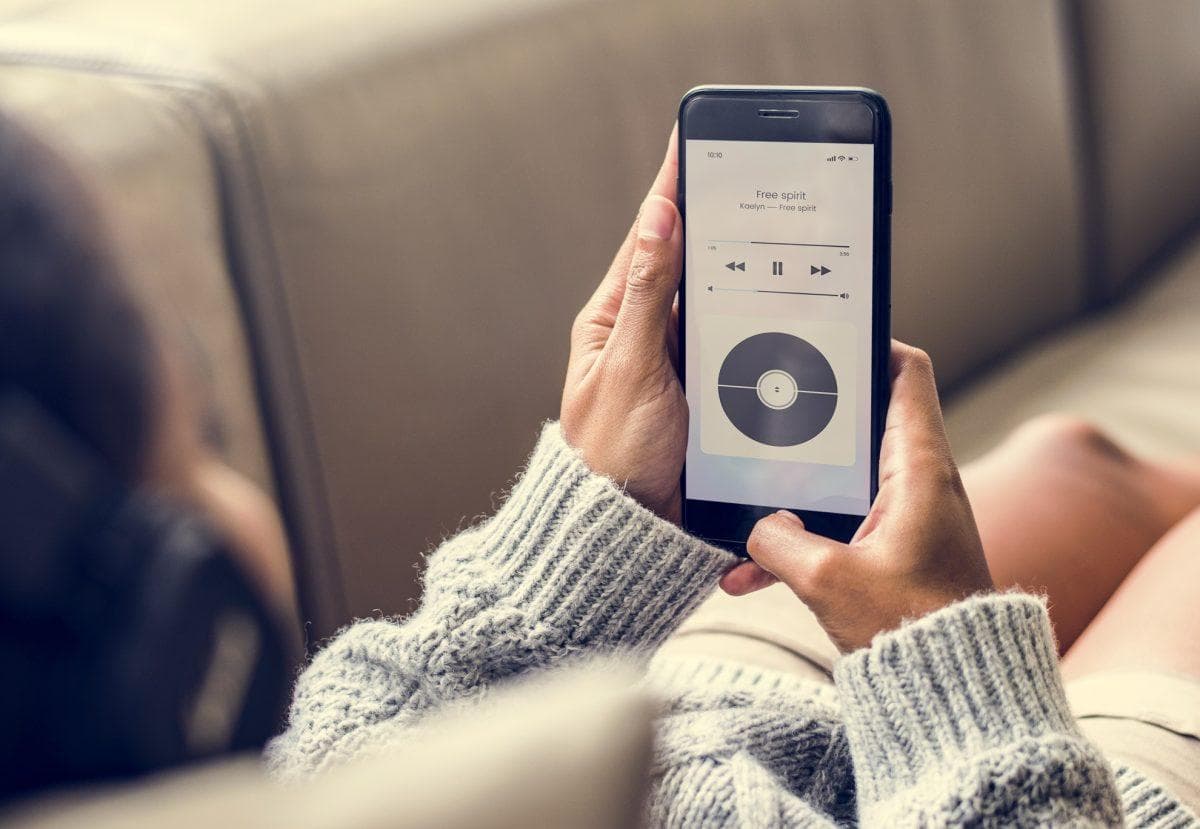
- Accessing superior audio quality on your smartphones requires unlocking menus that manufacturers keep hidden from the average user.
-
The “HD Audio” function within the Google ecosystem allows for more robust data transmission to headphones and speakers.
-
Not all terminals are compatible, but those that are experience an immediate improvement in dynamic range and clarity.
Audio quality has become as crucial for users as screen resolution. However, most people are unaware that their phones are not configured from the factory to offer maximum sonic performance. Whether due to battery saving or network limitations, the real potential of Android devices usually remains “asleep” under software layers that only experts know how to navigate.
“Developer Mode”: The key to advanced audio
To boost sound on Android devices, the first step involves accessing a secret section of the system. You do not need to download third-party applications or put your equipment at risk; you simply need to virtually become a developer.
To achieve this, go to Settings > About phone and look for the “Build number.” By tapping this section seven times in a row, the system will notify you that you have unlocked advanced functions. Once this is done, a new menu will appear in the System section: “Developer options.”
HD Audio: The trick for superior fidelity
Within this new menu, you will find an extensive list of technical parameters. You must locate the HD Audio option. By activating it, you are allowing your smartphone to use high-fidelity transmission codecs (such as aptX or LDAC), provided your headphones are compatible.
This function eliminates much of the compression suffered by conventional audio files, allowing high frequencies to be sharper and bass to be deeper. It is a change noticed in seconds, especially if you use streaming services that offer high-resolution music.
Personalization in the iOS ecosystem
If you are an Apple user, the path is different but equally effective. The key on the iPhone resides in the Accessibility menu. Within the Audio/Visual section, there is a tool called “Headphone Accommodations.”
Although originally designed as a technical aid, any music lover can use it to adjust the sound profile of their AirPods or Beats. By performing the custom audio setup, the iPhone scans your hearing capability to enhance specific frequencies, making the music sound with a “brightness” that is not configured by default.
The final touch: Dynamic range and equalization
On both systems, there is a setting that often goes unnoticed: volume normalization. While useful for avoiding abrupt changes between songs, it tends to flatten the sound’s power. Disabling “Volume level” (or Sound Check) in your music application settings, such as Spotify or Apple Music, allows each track to breathe with its original studio strength.
Implementing these adjustments on your Android or iOS devices not only improves what you hear but how you feel it. In this 2026, where technology allows you to have a recording studio in your pocket, not settling for standard sound is the first step toward a true auditory experience.
