















Full list of cell phones incompatible with WhatsApp from March due to new operating system requirements
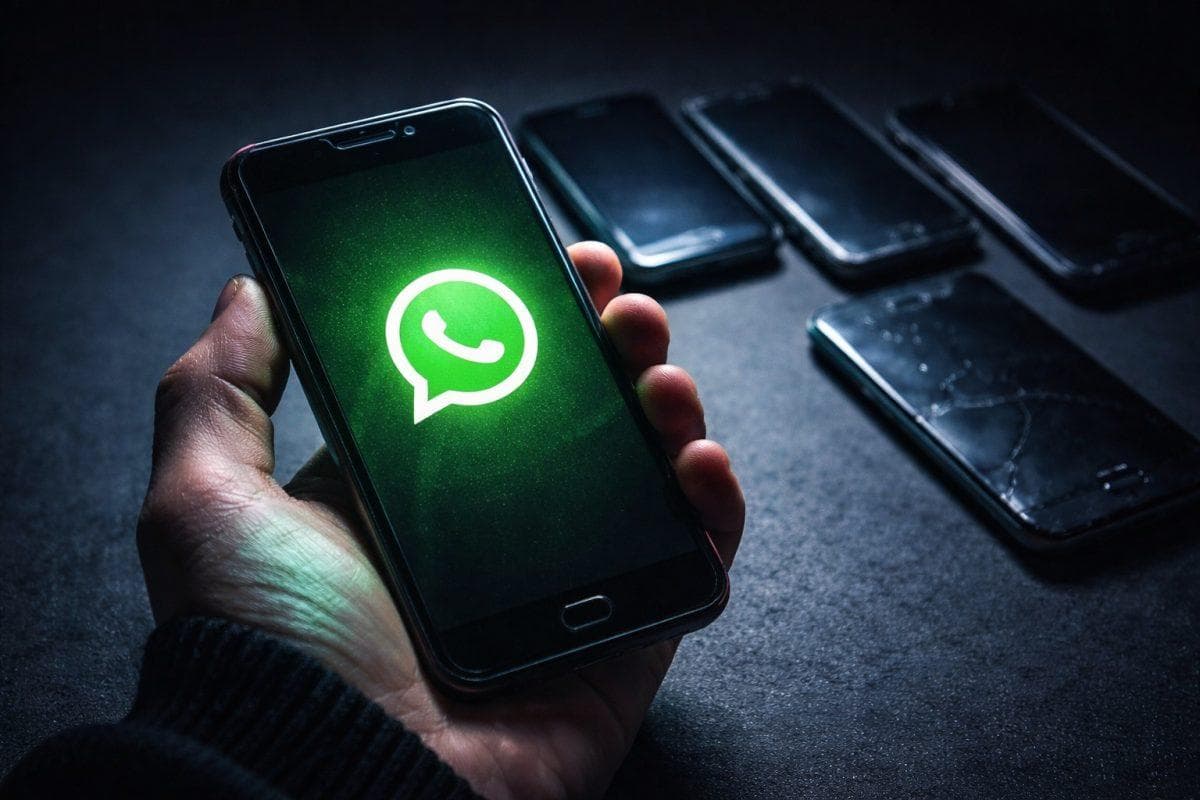
- WhatsApp will update its requirements and stop providing service to thousands of old cell phones starting March 1, 2026
-
The measure seeks to strengthen security and optimize performance; therefore, devices without official support will no longer open or update the application
-
Users must back up their chats before the permanent block. If the device does not support an update, the only option remains switching to a new phone
Starting March 1, 2026, WhatsApp will stop working on cell phones with old operating systems. Meta Platforms drove this decision as part of a strategy to strengthen data security and focus development on devices that meet current standards.
The update will mainly impact phones launched before 2014. These models no longer receive support from their manufacturers and present vulnerabilities that compromise user privacy.
Which versions will lose compatibility?
In the case of Android, WhatsApp will require at least Android 5.0 Lollipop. Devices operating with older versions will lose total access to the application. For iPhones, the app will require iOS 15.1 or higher, this means several old models in the Apple ecosystem will fall out of official support.
Users who cannot update their operating system will not only miss out on new features but will also lose the ability to open, download, or update the tool.
Cell phones losing WhatsApp access in March 2026
The affected devices include models from widely recognized brands:
-
Samsung Galaxy S3
-
Samsung Galaxy S4 Mini
-
Sony Xperia M
-
LG Optimus L7 II
-
Motorola Moto E
In the Apple ecosystem, the following models are excluded:
-
iPhone 6
-
iPhone 6 Plus
These devices do not support iOS 15.1; therefore, they will not meet the minimum requirement that WhatsApp demands.
Why did Meta make this decision?
The company argues that maintaining compatibility with old systems limits the implementation of new features and hinders the application of security patches. By reducing support for obsolete devices, Meta can focus resources on improving encryption, optimizing performance, and strengthening protection against cyberattacks.
Furthermore, phones that no longer receive official updates represent a growing risk. Without active security patches, personal data remains more exposed to vulnerabilities.
What to do if your phone is on the list
First, you should verify your operating system version:
-
On Android: Settings -About phone – Software information – Android version.
-
On iPhone: Settings – General – About – iOS version.
If the device allows an update to a compatible version, you simply need to download the latest available software. Otherwise, the only alternative involves migrating to a more recent model.
Before the block occurs, you should back up your chats:
-
On Android: Settings – Chats – Chat backup, linking the account to Google Drive.
-
On iPhone: Settings – Chats – Chat backup, using iCloud.
WhatsApp will notify affected users in advance so they can back up their information without setbacks. However, checking your device model and acting early will be key to avoiding the loss of important conversations, photos and documents.
The update may feel inconvenient for those still using old equipment; but, for Meta, keeping the WhatsApp operating system up to date is no longer just a recommendation, but an indispensable condition to stay connected.
